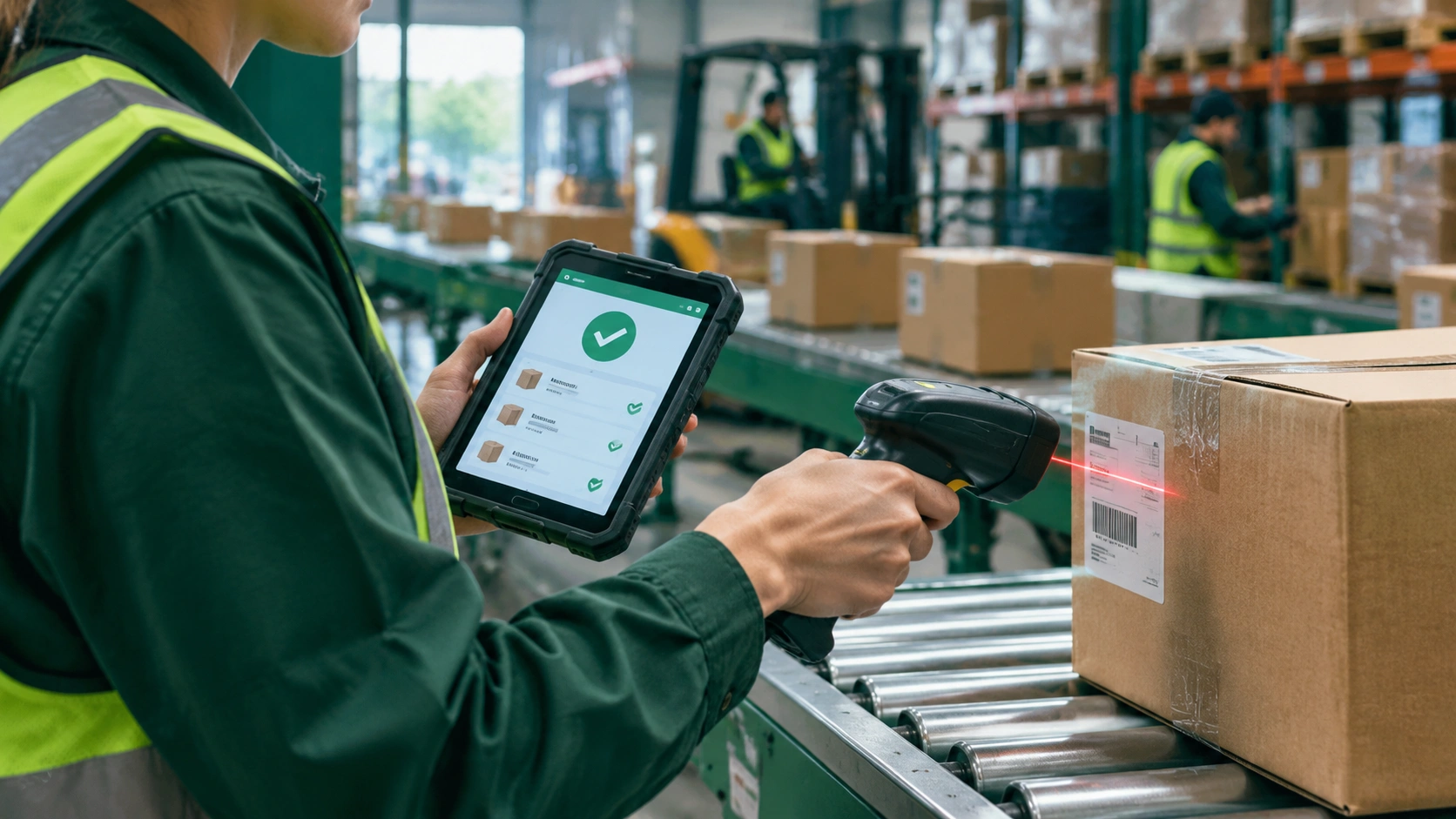
The scan-to-confirm workflow that keeps inventory accurate while orders move fast

Logistics and transport operations live or die by the accuracy of their inventory data. A warehouse can move boxes quickly, but if the system says one thing while the floor shows another, orders slow down, customer complaints rise, and managers spend more time firefighting than planning. The scan-to-confirm workflow addresses this by pairing simple scanning steps with clear system checks at each stage of order fulfillment. This approach is central to understanding how do barcode scanners improve order accuracy in warehouses, because it turns every physical move into a verified digital event.
What the scan-to-confirm workflow is
At its core, scan-to-confirm is a rule-based process that requires a barcode scan before a task is considered complete. Instead of letting a worker pick an item, pack a carton, or load a pallet based on memory or paper lists alone, the workflow asks for proof. The worker scans the item barcode, the system confirms the match, and only then does the next step unlock. This simple gatekeeping removes most opportunities for misreads, wrong location picks, and mixed SKUs.
In practice, scan-to-confirm can appear in several forms: pick-to-cart with line-by-line verification, pack-and-ship checks that match items to the order, receiving scans that tie inbound units to purchase orders, and cycle-count scans that compare expected versus actual stock. The common thread is that the warehouse management system (WMS) or handheld terminal uses the scan as a decision point, not just a data entry moment.
Why barcode scanners are still the backbone of accuracy
Even in warehouses with automation, barcode scanners remain the most cost-effective accuracy tool. They are fast, low-maintenance, and familiar to most associates. A good handheld scanner or mobile computer can read damaged or low-contrast labels, work in cold or dusty zones, and integrate with WMS workflows without heavy IT overhead.
There are three main reasons scanners help reduce errors. First, they remove manual transcription: no typing SKU numbers or location codes. Second, they enable hard stops in the workflow, so a wrong item or wrong bin cannot quietly pass through. Third, they produce a clean audit trail, making root-cause analysis easier when exceptions do occur.
How the workflow speeds up orders
It may seem counterintuitive that adding scans makes work faster, but the time saved downstream usually outweighs the seconds spent scanning. When every item and location is verified in real time, fewer mispicks reach the pack station. That means fewer re-picks, fewer packing pauses, and fewer returns after delivery. The result is a steadier flow through the warehouse with fewer bottlenecks.
Speed also improves because scan-to-confirm gives supervisors live visibility. If a picker is falling behind in a zone, the WMS can rebalance work before delays pile up. If a packer keeps seeing mismatches, the issue can be traced to a specific inbound receipt or bin label. This visibility turns small problems into quick fixes rather than end-of-day crises.
The typical scan points in an order’s journey
- Receiving: Scanning inbound cartons or item barcodes ties goods to a purchase order, confirms quantities, and assigns putaway locations.
- Putaway: A location scan verifies the item is stored in the correct bin, reducing later search time and mispicks.
- Picking: Scanning the item and the pick location confirms the right SKU and quantity are taken from the right place.
- Packing: A final scan matches each item to the order and carton, preventing wrong-item shipments.
- Shipping: Scanning the packed carton closes the order, generates tracking, and updates inventory in real time.
Each scan is short, but together they form a chain of verified steps that keeps the order moving and the records clean.
What a clean workflow looks like on the floor
Consider a typical pick path. The picker receives a wave of orders on a handheld device. The screen shows the first location, the SKU, and the quantity. The picker moves to the bin, scans the location barcode, then scans the item barcode. If the match is correct, the system confirms and decrements the pick count. If not, the device alerts immediately, and the picker corrects the issue before moving on. This real-time check prevents a wrong item from traveling downstream to packing or, worse, to the customer.
At the pack bench, the associate scans each item again before sealing the carton. The system compares the scanned items against the order, and only when all items match does it release shipping labels and documentation. This second checkpoint catches any remaining discrepancies and gives the packer confidence to keep pace without second-guessing.
Reducing exceptions, not just errors
Scan-to-confirm does more than stop wrong picks. It reduces the broader category of exceptions that slow warehouses down. When locations are scanned during putaway, misplacements drop. When receiving scans are tied to purchase orders, overages and shortages are caught early. When packing scans are mandatory, mixed-carton mistakes decline. Each of these exceptions has hidden costs: time spent searching, calls to supervisors, manual recounts, and customer service follow-ups. Fewer exceptions mean a smoother day for everyone.
Over time, the data from scans also helps managers refine layouts, adjust reorder points, and train associates more effectively. The workflow becomes a source of operational insight, not just a compliance check.
Hardware and setup considerations
Most warehouses use one or more of the following: handheld barcode scanners, mobile computers with built-in scanners, fixed-mount scanners at pack benches or conveyor gates, and wearable scanners for hands-free picking. The choice depends on item size, scan volume, and ergonomics. A cold-storage operation, for example, may favor rugged handhelds with heated grips, while a high-volume pack line may benefit from fixed scanners that read barcodes as cartons pass by.
Label quality matters as much as scanner quality. Clear, correctly placed barcodes reduce read failures and speed up the workflow. Standardizing label placement by SKU type, product family, or packaging material helps associates know where to aim without thinking. Simple steps like this reduce training time and keep scan rates high.
Making scan-to-confirm work in mixed operations
Many warehouses handle both fast-moving SKUs and slow, irregular items. The scan-to-confirm workflow adapts well to this mix. High-velocity items can use streamlined pick paths with batch scanning, while complex or high-value items can require additional scans, such as serial number capture or weight checks. The key is to match the level of verification to the risk and value of the item, keeping the process lean where possible and strict where necessary.
For operations with both manual and automated zones, scanners serve as the bridge. They connect conveyor systems, sorters, and robots to the same WMS logic, ensuring that every unit, whether touched by a person or a machine, follows the same accuracy rules.
Measuring the impact
Teams that adopt scan-to-confirm usually track a small set of metrics: pick accuracy rate, pack accuracy rate, mispick-related rework time, returns due to wrong items, and time from pick to ship. The goal is not perfection at any cost but a steady, measurable improvement that shows up in lower exception rates and faster cycle times. When these numbers trend in the right direction, the workflow is working.
It also helps to review exception logs regularly. Patterns often reveal simple fixes: a label that is hard to read, a bin that is poorly organized, or a training gap in a particular shift. Small adjustments keep the system healthy and the team confident.
A practical path forward
Implementing scan-to-confirm does not require a full system overhaul. Many warehouses start by adding scans at the two points that matter most: picking and packing. Once those steps are stable, they extend scanning to receiving and putaway, then to shipping. This phased approach lets teams learn, adjust, and build trust in the process without disrupting daily operations.
Training is straightforward because the workflow mirrors the natural sequence of work: go to the location, scan the location, scan the item, confirm the task. Associates quickly see the benefit when their shift ends with fewer re-picks and fewer last-minute fixes.
By turning each physical move into a verified digital event, the scan-to-confirm workflow keeps inventory records accurate while orders move quickly. It is a practical, proven way to reduce errors, cut exceptions, and create a steady rhythm across receiving, storage, picking, packing, and shipping. For warehouses looking to balance speed with accuracy, this workflow is one of the simplest and most effective places to start.